Turn any photo
into Pixel Art.
Instantly.
50+ colour palettes · GIF animation · Hi-res export
Custom shapes · Artistic effects · One tap download
See it in
action
How it works
Three taps. Infinite art.
Upload Any Photo
Tap the camera button. Choose from gallery, take a live photo, or paste any image URL. Any resolution works.
Customise & Create
Pick your pixel size, choose from 50+ curated palettes, select pixel shape, and layer artistic effects.
Export & Share
Save as JPG, PNG, or WebP at up to 8× resolution. Animate as GIF. Share instantly or save to gallery.
More than
pixels
Dithering
Floyd-Steinberg error diffusion creates classic retro halftone texture.
Endless
possibilities
Every combination of palette, pixel size, and shape creates a unique aesthetic.
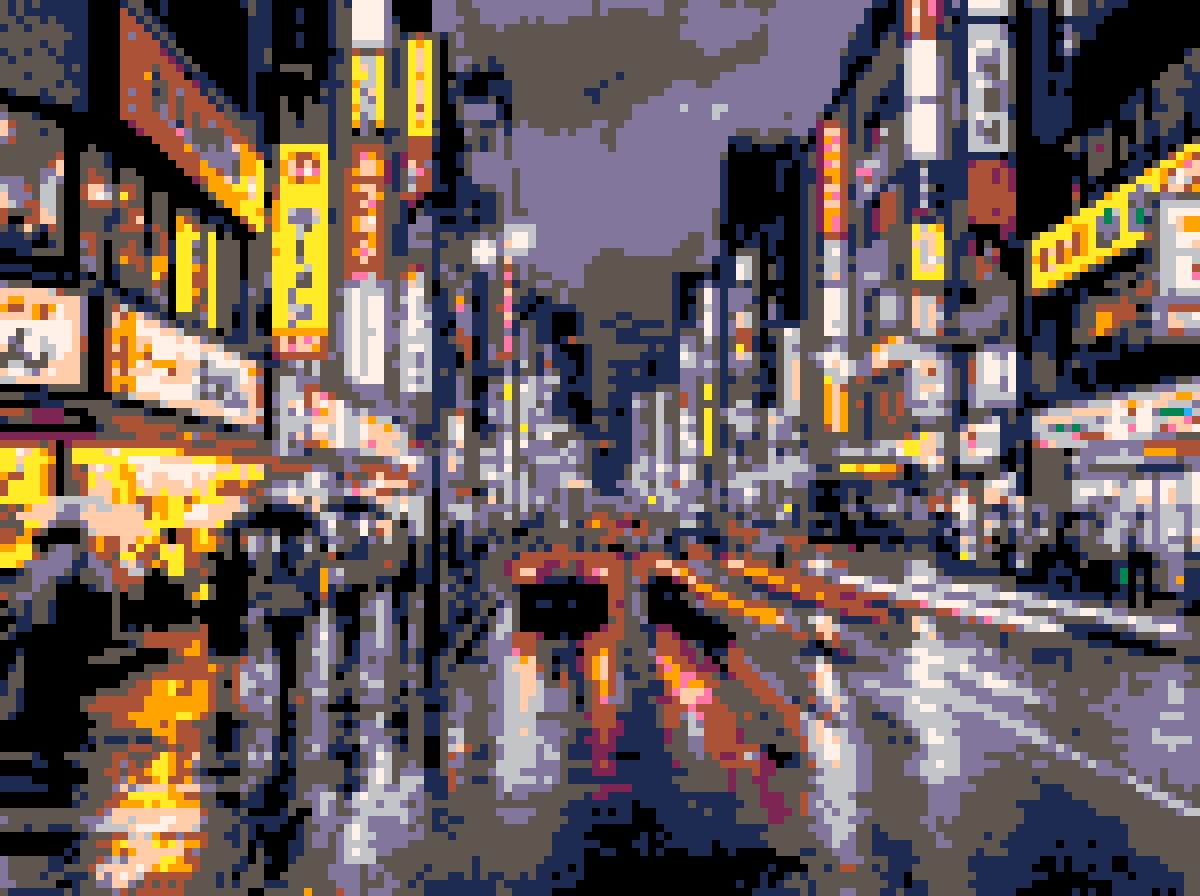
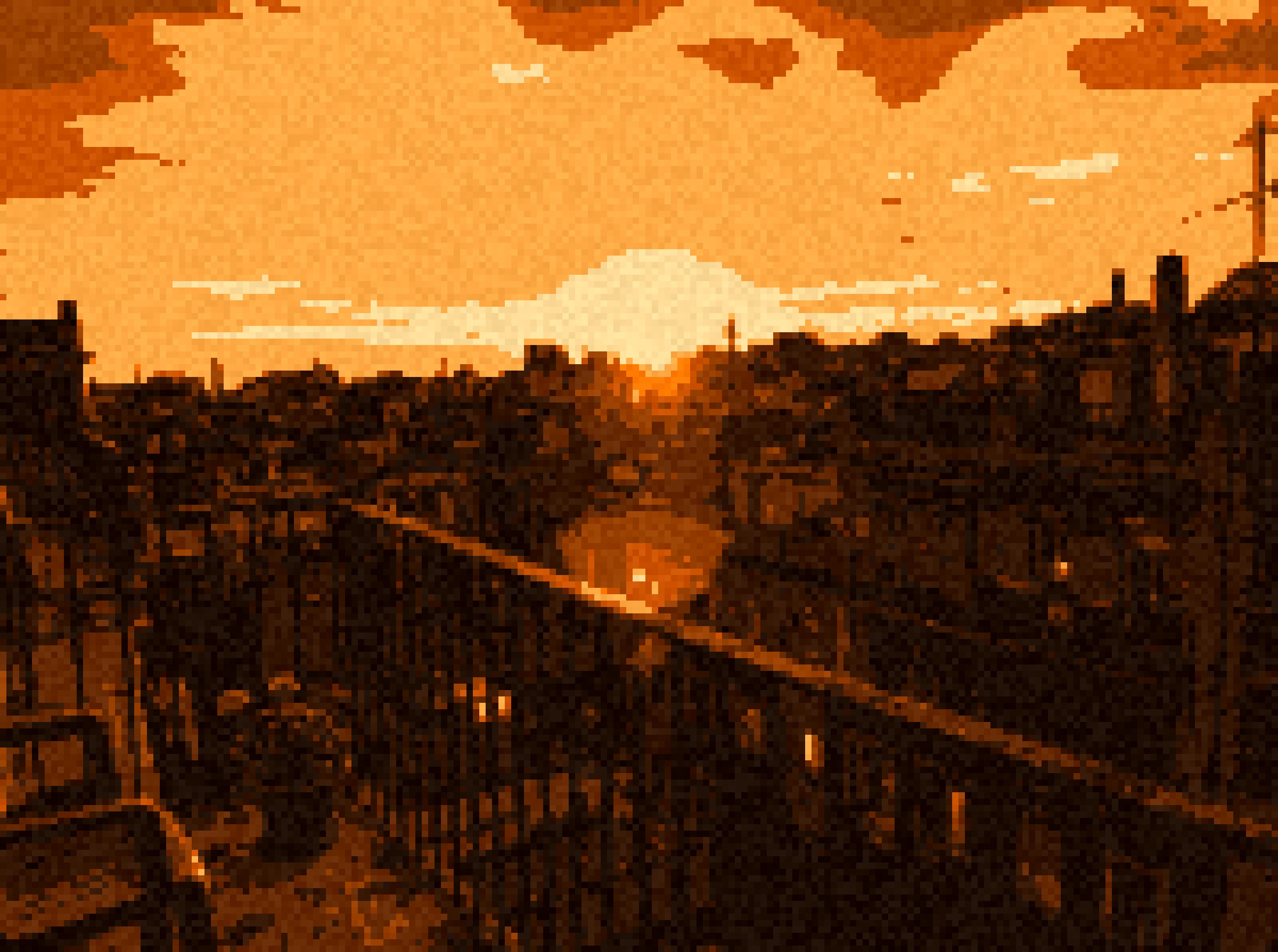
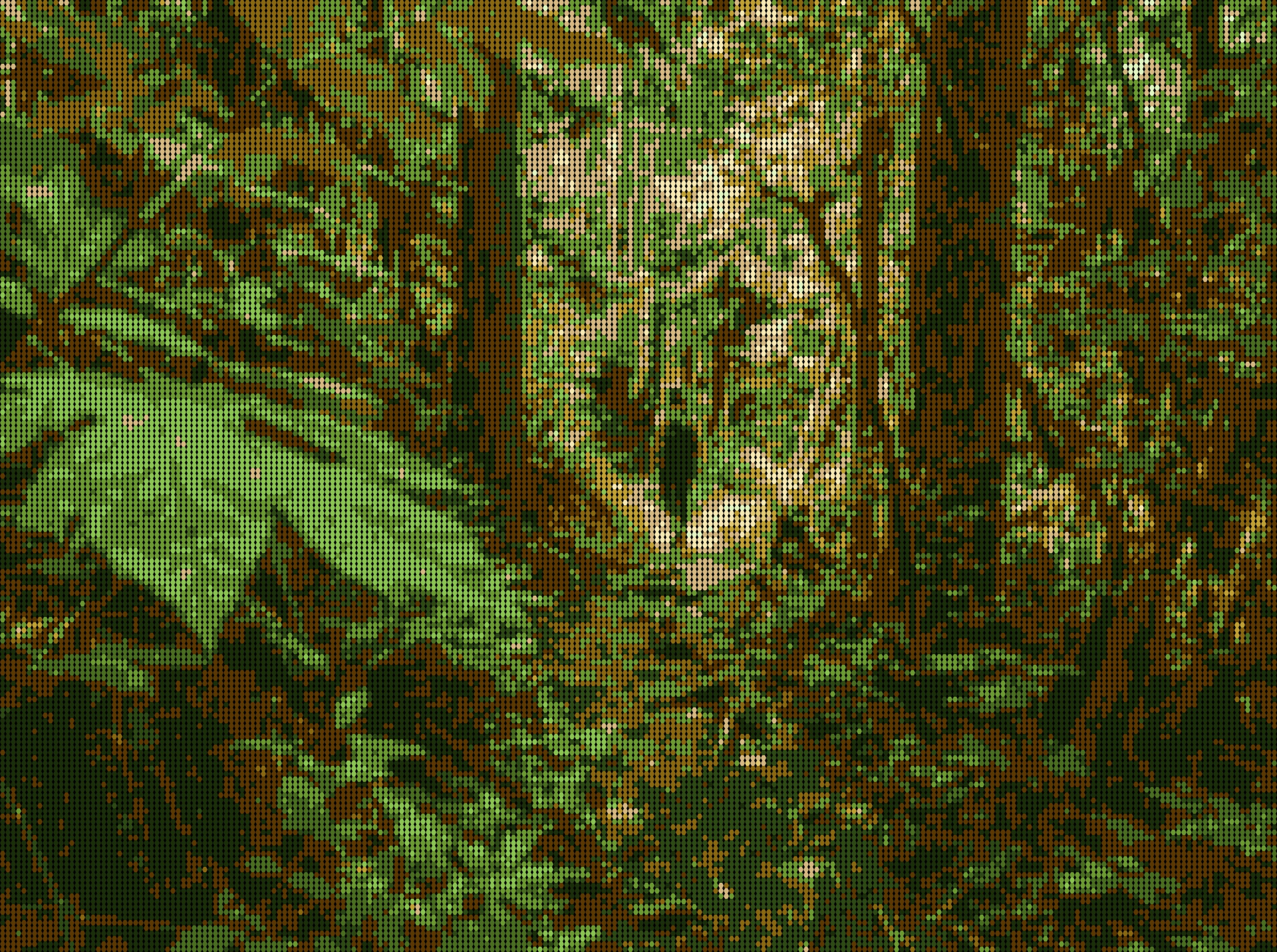
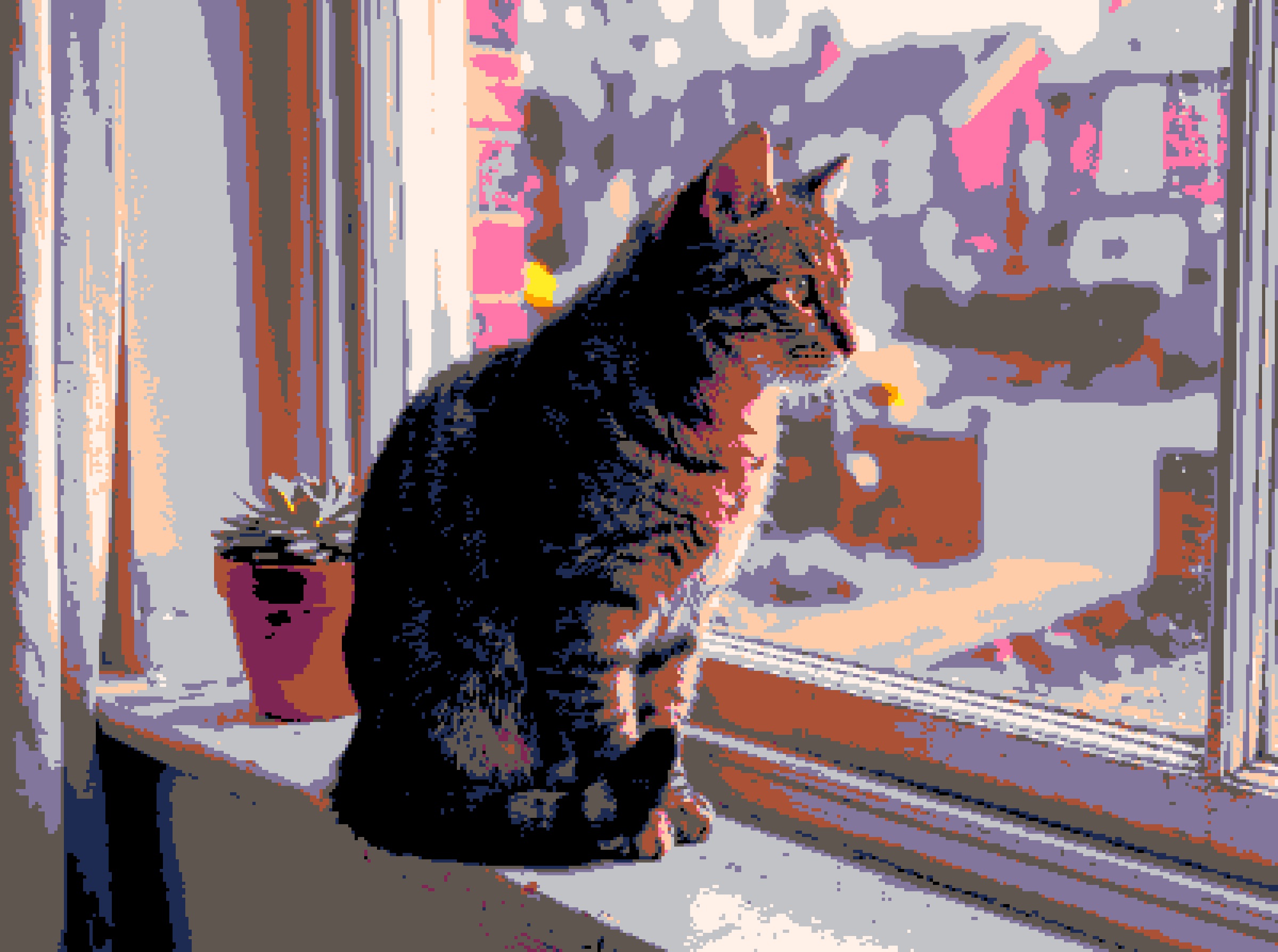
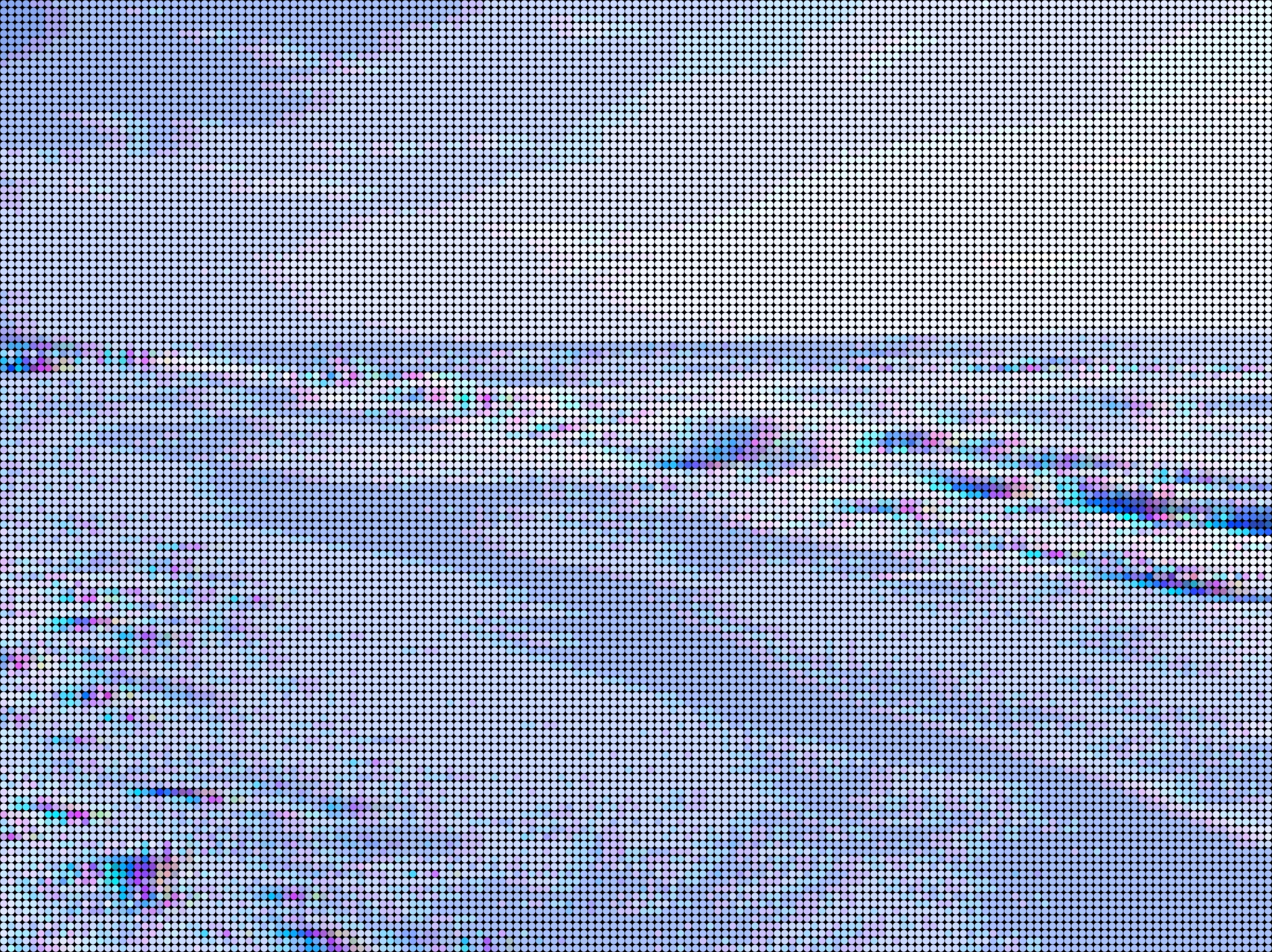
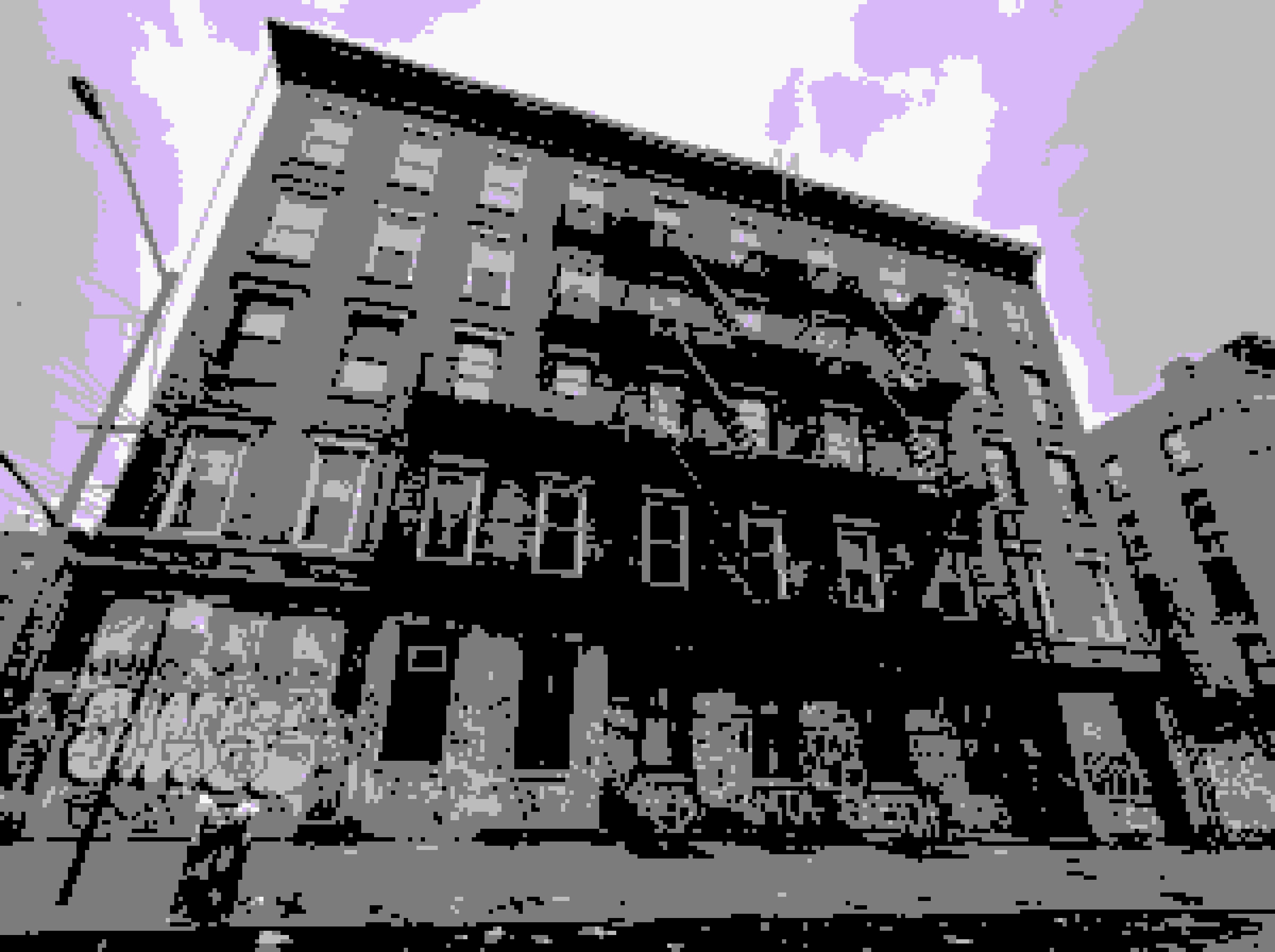
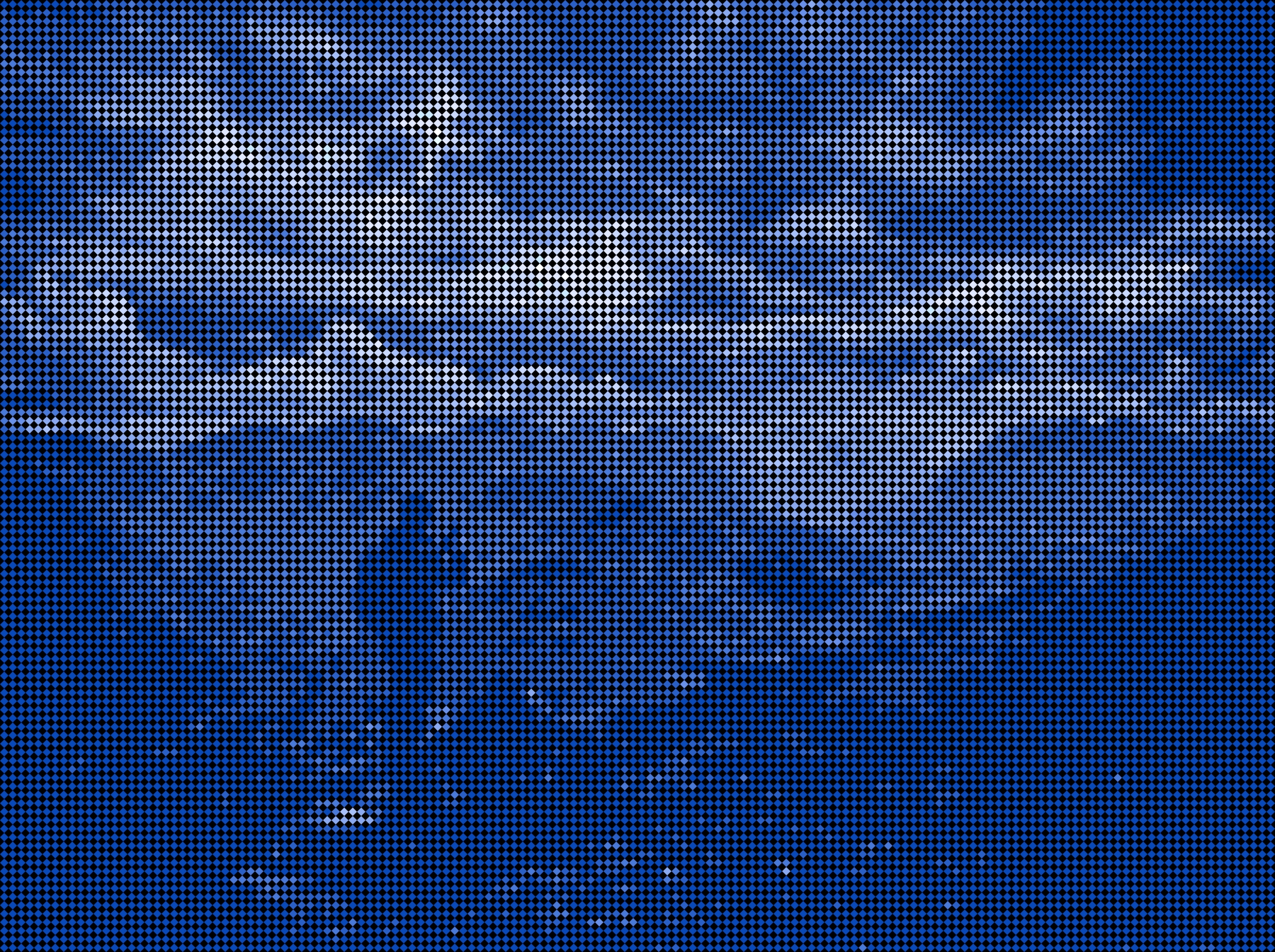
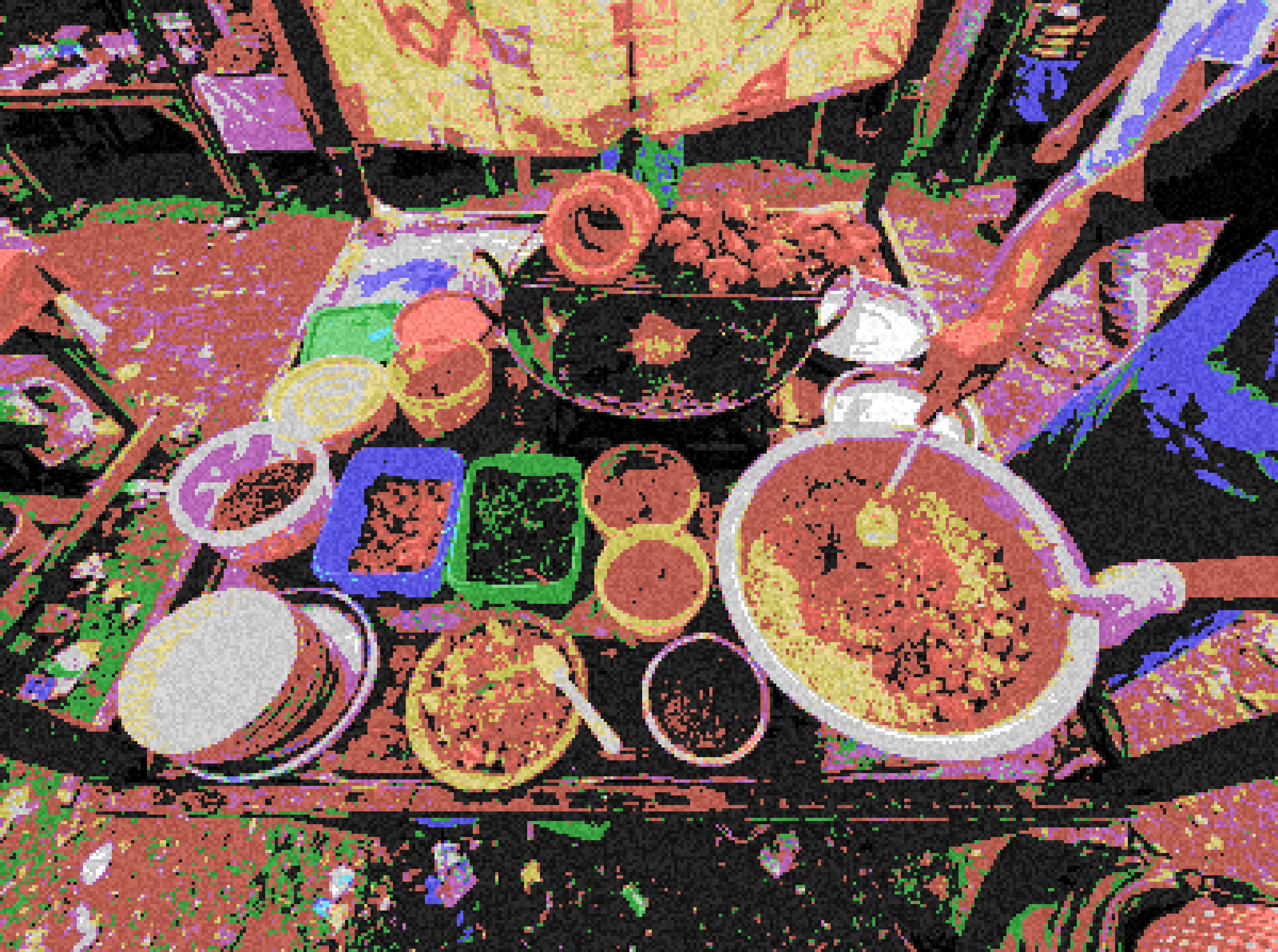
↑ All generated with Pixelify · 50+ palettes · 6 shapes · Unlimited creativity
Simple, honest pricing
One-time purchase. No subscription. Own it forever.
Forever, no card needed
- JPG export (1× resolution)
- Square pixel shape only
- 14 classic retro palettes
- Core effects: Outline, Blur, Sharpen, Dither, Grayscale, Sepia, Hue, Saturate, Grid
- Live Pixel Camera (RAW & retro handheld modes)
- Share-to-app image import
- Basic undo / redo history
One-time purchase · No subscription
- PNG lossless & WebP modern export
- Hi-res 2× · 4× · 8× output
- All 6 pixel shapes: Circle, Triangle, Diamond, Hexagon
- 50+ palettes Artistic, Neon, Cyberpunk & Modern
- Pro effects: CRT Scanlines, Chromatic Split, Film Noise, Dark Edges, Posterize
- Custom palette builder (save & reuse)
- Bead Studio Pro: 58×58 Quad Pegboards with bead inventory
- GIF animation: 4 modes (Sweep, Palette Cycle, Glitch, Pulse)
- RPG Battle Card & Before/After Split GIF exports
- Pixel Camera: 6 Pro filters & 60s video recording
- 100% offline & private zero cloud uploads
- No watermark on exports & ad-free experience
Common Questions
Everything you need to know about Pixelify
What is Pixelify?
Pixelify is a free Android app that converts any photo into pixel art instantly. It offers 50+ color palettes, 6 pixel shapes, GIF animation export, a live pixel camera, and artistic effects like scanlines, film grain, and color split.
Is Pixelify free to use?
Yes! Pixelify is completely free to download and use. A one-time Pro upgrade ($3.99) unlocks high-resolution export up to 8x, additional pixel shapes, Pro-only effects, Bead Studio 58×58 quad boards, and custom palette saving. There is no subscription.
How do I turn a photo into pixel art?
Download Pixelify from the Google Play Store, open the app, tap "Choose a Photo" to select any image from your gallery or take one with the live pixel camera. Adjust the pixel size slider, pick a color palette, and tap Save to export your pixel art.
Can I export pixel art as a GIF?
Yes! Pixelify has a built-in GIF animation tool. Capture multiple frames at different settings, then export a looping animated GIF directly to your phone's gallery.
What pixel art styles does Pixelify support?
Pixelify supports square, circle, triangle, diamond, and hexagon pixel shapes. Combined with 50+ color palettes (retro, artistic, modern) and effects like B&W, vintage, grain, scanlines, and color split, you can create any pixel art style.
Does Pixelify work without internet?
Yes! Converting photos to pixel art, applying effects, using the live pixel camera, creating bead charts, and exporting images are all processed 100% locally on your device. Your photos are never uploaded to any cloud server, and everything works completely offline.
What Android version does Pixelify require?
Pixelify requires Android 7.0 (API 24) or higher. It is optimized for modern Android devices and works on phones and tablets.